HisLinks
Gay Dating Beginner's Guide: Using a Dating App for the First Time, From Profile to Meeting
If you're new to gay dating apps, follow four steps: build a profile, explore, start chatting, and meet up. Here is what to watch at each step, so you avoid wrong turns and meet people at a pace that feels good.

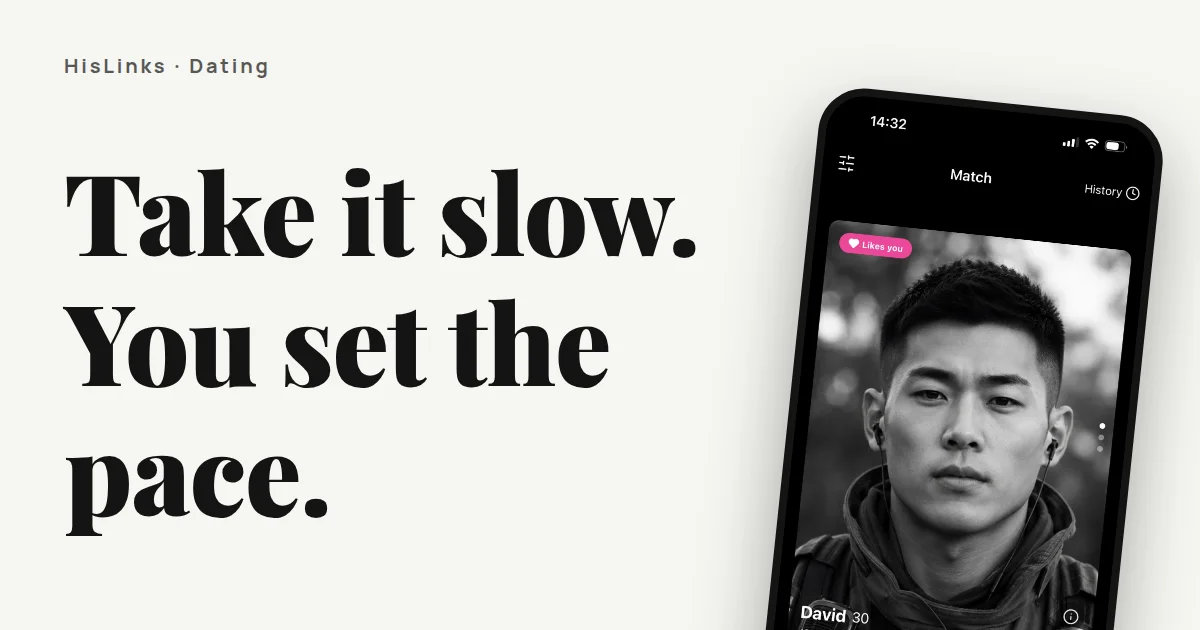
If you're new to gay dating apps, you don't need to know all the rules from the start. Follow four steps: build a good profile, find people in a way that suits you, start chatting from their profile, and meet up once you both feel comfortable. You can take each step slowly, and you set the pace.
What do you need to prepare before using a gay dating app for the first time?
First decide what you want to find here, then decide how much to let others see. Once these two are clear, everything after is easier.
Some people want friends, some want a relationship, and some are just curious. None is right or wrong, but when you know what you want, you're less likely to be carried along by other people's expectations. If you're still comparing which app to use, start with How to choose a gay dating app.
In the preparation stage you can do these things first:
- Make sure you are 18 or older. Most gay dating apps only allow adults.
- Decide how to sign in. With a third-party sign-in such as Apple or Google, you don't need to remember another password.
- Decide how visible to be. If you're not out, read How to use dating apps safely when you're not out before you build your profile.
How do you build a profile that gets seen?
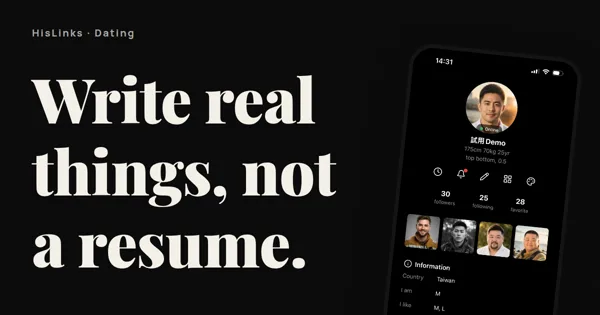
Real, recent photos that show who you are, plus a specific bio, make the best profile.
Recent photos are enough, with no special retouching. A common problem is a photo that looks very different from the real person, and it is awkward for both sides when you meet. Put at least one photo where your face is clear, then add one or two casual ones, such as you hiking, cooking or playing with a dog, so the other person has something to talk about.
A bio doesn't need to be long. One or two specific things work better than adjectives. "I like food" is what many people write, while "Lately I'm hunting for good beef noodle soup in Taipei" is easy to reply to. For more on how to write it, see How to write a dating bio.
Body type is worth a word too. In gay dating, labels like bear, otter and wolf are common for describing body type and style. You can use them or not. If these terms are new to you, look at What do bear, otter and wolf mean. HisLinks lets you choose your own body type and style tags, with no BMI or any body threshold, because every body type deserves to be seen.
How do Nearby and swipe matching work for beginners?
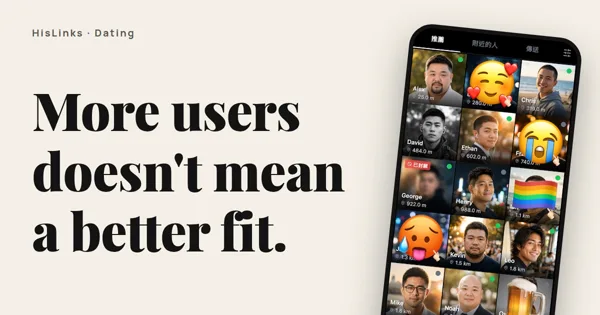
Each has its strengths. If you want to meet people around you right away, look at the Nearby list. If you want to take your time choosing, use swipe matching.
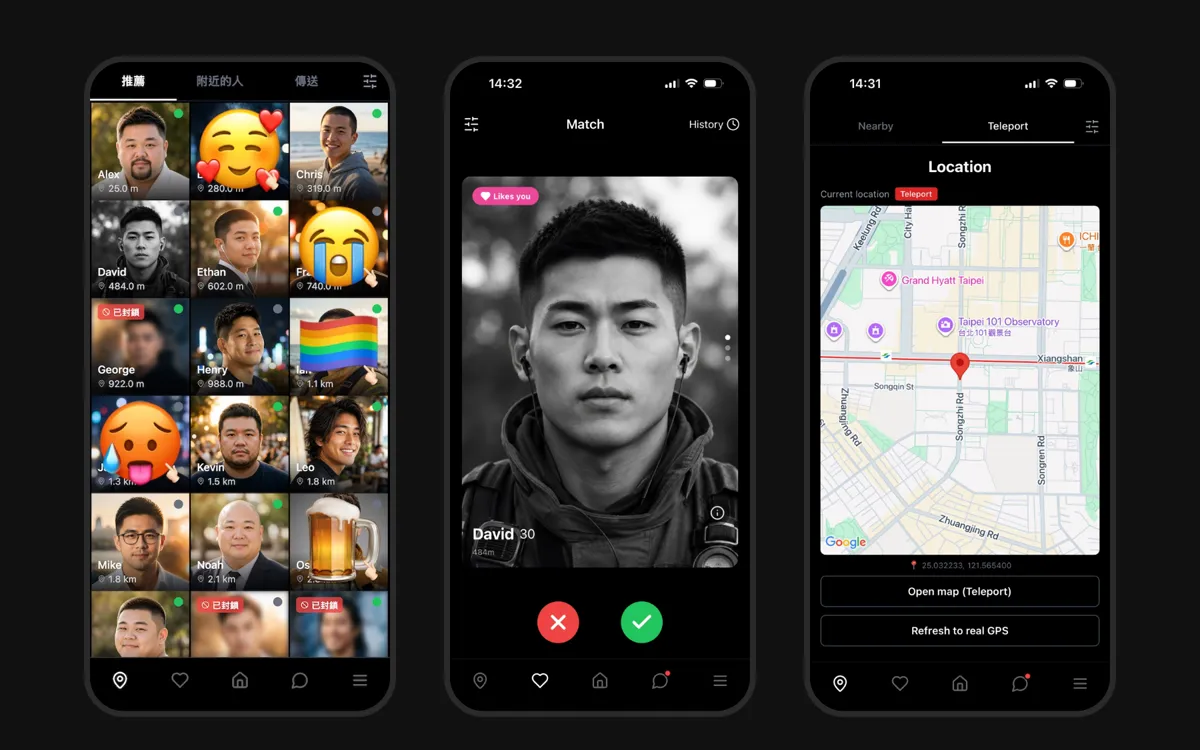
A Nearby list usually shows other users sorted by distance, which suits you if you want to meet people in your own area. Swipe matching mostly shows one card at a time, and a match only happens when you both tap like, so you're less likely to get messages you don't want. At the start you can try both and see which one feels more comfortable.
When you travel, some apps let you change your location city to see who is at your destination. If you don't want others to know your exact location, you can also adjust visibility in the privacy settings. Where these settings are depends on the app, and it is worth spending a few minutes in the settings page the first time you use it.
What do you say in the first message?
Start from one specific thing in their profile. It is more likely to get a reply than a plain "hi."
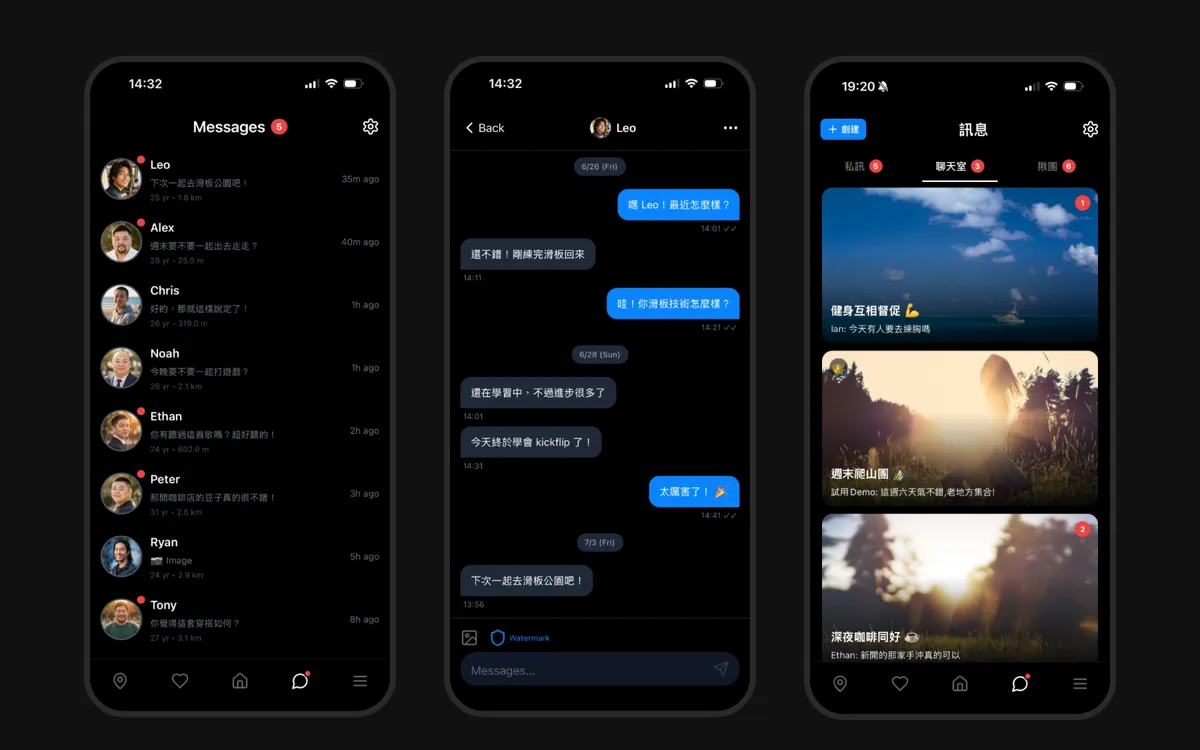
If the person's photo is at the sea, you can ask, "Which beach is this? It looks so relaxing." If they wrote that they like a certain show, talk about that show. An opener like this shows the person you really looked at their profile and didn't copy and paste.
A few things beginners often run into, said up front:
- Being left on read is normal and doesn't mean you're not good enough. Everyone's online times and moods differ.
- Don't send explicit photos to someone who hasn't agreed. On most platforms that counts as harassment.
- If someone makes you uncomfortable, you can block or report them directly, with no need to explain.
Rejection is part of everyday dating, not a score of your worth.
If you start to lose confidence in your body when you look at other people's photos, many people feel that. Take a look at How gay men can deal with body image anxiety.
How do you know when to move from chatting to meeting?
When you click in conversation and you've confirmed the person is real, it's time to consider meeting. There is no standard number of days. What matters is that you both feel comfortable.
The simplest way to confirm someone is real is a video call or a phone call. For a first meeting, pick a public place like a cafe or restaurant, arrange your own transport and let a friend know where you're going. The full checklist is in What to know before meeting someone from the internet, and what to talk about is in First date conversation tips.
One more principle: anyone who talks about money, asks to borrow money or pitches an investment before you've met, however well the chat is going, stop. HisLinks also collects safety-related settings on the safety page, which is worth a read the first time you use it.
Frequently asked questions
What should a beginner use as a first photo on a gay dating app?
A recent photo with a clear face and natural light. If you don't want to show your face, you can start with something like a photo from behind or from the side where the real you is visible (only scenery or pets won't do, as it looks like a fake account), but be prepared that the reply rate may be lower.
How long should I use a dating app before meeting?
There's no fixed number of days. If you click, you've confirmed by video that the person is real, and you both feel comfortable, you can consider meeting in a public place.
I keep not getting matches. Is it me?
Usually not. Switching to a clearer photo and making your bio more specific often makes a difference. The number of matches also depends on where you live and when you use the app, so give yourself some time.